The Mistakes Customer Support Teams Make With Customer Support
Your support team answers WhatsApp on one screen, Instagram DMs on another, and email somewhere else entirely. Customers notice the lag, and they notice repeating themselves to a bot that never read their last message. The mistakes below are common, fixable, and expensive to ignore.
This article breaks down five specific ways support teams undermine their own work, from fragmented channels to vanity metrics that hide real resolution rates. You will learn what separates speed from quality, why each channel carries its own response expectations, and how a unified platform like Com.bot prevents these problems before they start.
Why Support Teams Sabotage Their Own Success
Support teams often become their own worst enemy by prioritizing speed over genuine problem-solving and treating every channel identically. The intention is rarely the problem. Agents want to help, managers want strong metrics, and leaders want happy customers. Yet those same good intentions can quietly erode the very relationships the team is trying to protect.
The paradox is that effort and outcome do not always move together. A team can answer more tickets than ever while customer frustration climbs. Customers often expect immediate responses, yet many say a full resolution matters more than a fast reply. Those two expectations pull in opposite directions, and teams that chase only the first one create new problems.
This tension shows up in two foundational mistakes. The first is confusing speed with quality, where fast replies replace real answers. The second is failing to differentiate channels, where a WhatsApp message and an email get the same treatment despite very different expectations. Both mistakes are easy to make and hard to see from inside a busy queue.
Neither issue is about lazy agents or bad tools. They are structural. When first response time becomes the headline number, quality gets squeezed. When every channel runs through one generic process, context gets lost. Recognizing these patterns is the first step toward fixing them.
Confusing Speed With Quality
When support teams obsess over first response time, they often deliver fast but hollow replies that leave customers more frustrated than before. The clock stops, the metric looks good, and the customer is still stuck. A quick acknowledgment feels helpful only if it moves the issue forward.
Rushing produces predictable symptoms. Agents lean on canned answers and scripted responses because there is no time to read the full question. A customer describing a complex billing problem receives a generic FAQ link. Someone explaining a bug in detail gets asked to restart their device. The reply arrives in seconds, and the empathy gap widens with every word.
This is where lack of personalization and ignoring context do real damage. Customers notice when their specific situation is treated as a ticket number. Trust drops, and the next contact starts from a lower baseline. A fast but robotic reply can trigger a negative review just as easily as a slow one.
The fix is not to slow everything down. It is to separate the two clocks. A reasonable target is a fast first response paired with a resolution within a reasonable window. That structure gives agents room to acknowledge quickly, then gather context, listen actively, and solve properly. Training should reward agents for asking the right follow-up question, not just for hitting send. Speed becomes the opening move, and quality becomes the finish.
Treating Every Channel the Same
Customers on WhatsApp expect instant, conversational replies, while email users tolerate longer, more formal responses. Yet many teams apply a one-size-fits-all approach. The same macro, the same tone, and the same SLA get pushed through every channel, and the mismatch shows immediately.
Each channel carries its own unwritten contract. Messaging apps feel like a conversation, so a quick reply reads as normal. Social DMs sit somewhere in between, with users generally expecting a faster response than email. Email is the most patient channel, where a longer reply window is usually acceptable. Ignoring these norms creates customer dissatisfaction even when the answer itself is correct.
Consider a customer who sends an urgent WhatsApp message about a failed payment and hears back hours later. From the team's view, the ticket was handled within policy. From the customer's view, the message was ignored. That gap fuels customer frustration, repeated contact, and eventually churn risk.
The remedy is channel-specific service level agreements paired with tone guidelines. Messaging channels need short, conversational replies and quick handoffs. Email can support fuller explanations and formal structure. Social channels need fast acknowledgment with a clear path to resolution. Teams should also document which issues belong on which channel, so urgent problems do not sit in a slow queue. One process for all channels saves internal effort and costs external trust.
Mistake 1: Fragmented Channels and Scattered Conversations
When WhatsApp, Instagram, and email operate in silos, customers are forced to repeat themselves, leading to frustration and churn. Each channel becomes its own island, with its own inbox, its own history, and its own set of agents who can only see part of the picture.
This fragmentation is one of the most common and costly mistakes in customer support. A support team may believe it is being responsive by offering many contact options, but without a shared view of each conversation, those options multiply confusion instead of reducing it.
Customers often report having to repeat information to different agents. Every repetition signals to the customer that no one is truly listening, and that the support team has no memory of their problem.
The result is a slow, disjointed experience. First response time stretches because agents must reconstruct context from scratch. Resolution time grows because no single person owns the issue end to end. And the customer, stuck in the middle, feels like a stranger each time they reach out.
Fragmentation also hides patterns. When conversations are scattered, the support team cannot see that ten customers asked the same question this week, or that one product flaw keeps generating unresolved tickets. Problems stay invisible until they become crises.
What Happens When WhatsApp, Instagram, and Email Live in Silos
In a siloed setup, a customer's WhatsApp query about an order cannot be seen by the email team, forcing the customer to start over. The email team asks for the order number again. The customer complies, waits, and eventually gives up when the reply never arrives.
Consider a concrete example. A customer messages on Instagram about a delayed delivery. No one replies within a day, so they send an email. The email agent has no record of the Instagram message and asks for details the customer already provided. Frustrated, the customer calls. The phone agent, working from yet another system, asks them to explain the problem a third time.
This pattern produces a predictable chain of failures:
- Repeated contact as customers try one channel after another
- Multiple transfers between agents who cannot see prior notes
- Unresolved tickets that quietly expire without an answer
- Agent burnout from handling angry customers who have already told their story twice
The emotional cost matters as much as the operational one. Each repetition deepens the empathy gap, because agents respond to a fragment of a story rather than the full context. Canned answers and scripted responses feel even more hollow when the customer knows they have already explained everything.
The business impact is severe. Customers may abandon a brand after a single bad experience. That abandonment shows up later as churn risk, negative reviews, and reputation harm that is far harder to repair than a slow reply.
What customers actually want is continuity. They want to message on Instagram and have the email team know about it. They want a unified view of their history, so no one asks them to repeat a detail they have already shared. Without that continuity, every channel becomes a fresh chance to disappoint them.
Mistake 2: Over-Automating Before Understanding Customer Needs
Deploying chatbots without first mapping customer journeys leads to rigid, unhelpful interactions that drive customers away. Automation works best when it handles predictable, high-volume questions and clears the path for humans to tackle everything else.
When a support team automates before it understands what customers actually ask, the bot becomes a barrier instead of a bridge. The result is customer frustration that compounds with every failed interaction.
Many customers prefer a human agent for complex issues. That preference does not mean people hate bots. It means they expect automation to know its limits.
A bot that cannot read nuance, tone, or context will misread urgency, miss sarcasm, and flatten emotional pleas into menu options. That is an empathy gap no script can close.
When Bots Frustrate Instead of Help
A bot that responds to a refund request with a generic FAQ link instead of escalating to a human is a recipe for a negative review. Customers do not blame the bot. They blame the brand behind it.
Common failure patterns show up again and again across support teams:
- Looping menus that send customers back to the same three options with no exit
- Inability to parse slang, typos, or mixed languages, so the bot replies with a canned answer that misses the point
- No escalation path, leaving customers trapped with no way to reach a person
- Ignoring context from earlier in the conversation, forcing customers to repeat themselves
- Robotic replies that feel dismissive during emotionally charged moments
The damage adds up. Many customers will abandon a bot interaction if they cannot reach a human. Each abandonment is a potential lost customer, a churn risk, and sometimes a public complaint.
The fix is not fewer bots. It is smarter design. Bots should recognize intent, detect frustration signals, and hand off to a human the moment a conversation exceeds their scope. Every interaction should feed back into the system so the bot improves over time.
A visual bot builder helps teams customize flows without writing code, so they can test, adjust, and refine based on real conversations. This keeps automation aligned with customer needs rather than internal convenience.
Teams that treat automation as a starting point, not a finish line, avoid the trap. They map journeys first, define clear escalation rules, and measure whether the bot reduces resolution time or just delays it. That discipline separates helpful automation from the kind that quietly erodes trust. For the next step, read our overview of How to Measure Content Marketing Performance in Plain English.
Mistake 3: Ignoring Response Time Expectations by Channel
A 10-minute delay on WhatsApp feels like an eternity, while a 24-hour email response is acceptable. Failing to differentiate erodes trust. Customers judge your support team against the norms of the channel they chose, not against a single company-wide standard.
When a support team applies one blanket first response time to every channel, it almost always gets the math wrong. Messaging apps reward speed. Email rewards thoroughness. Treating them the same guarantees customer frustration somewhere.
Here are the benchmarks customers have come to expect:
- Live chat: under 2 minutes
- WhatsApp: under 5 minutes
- Instagram DM: under 30 minutes
- Email: under 24 hours
These are not arbitrary. Each channel trains its users to expect a certain pace based on how they use it in daily life. A shopper messaging a brand on WhatsApp is usually mid-decision, often with a cart open. An email sender is typically fine waiting until the next business day.
Violating that expectation triggers a specific chain of events. The customer sends a follow-up. Then another. A delayed response turns one contact into repeated contact, which multiplies workload for an already stretched support team. Frustration builds, and the churn risk rises with every unanswered minute.
The damage also spreads publicly. A slow reply on Instagram or a social feed often becomes a negative review or a visible complaint thread. That is reputation harm no apology can fully undo, because the audience saw the silence in real time.
Consider a retail brand that treated WhatsApp like email. Messages sat for hours, and complaints piled up. After the team cut its WhatsApp response time, complaints dropped. The lesson is not that speed is magic. It is that matching the channel's rhythm removes a major source of customer dissatisfaction before it starts.
The fix is operational, not attitudinal. Set a distinct SLA per channel and publish it internally so agents know the target. Then use automation to hold the line when volume spikes:
- Instant acknowledgements that confirm receipt and set a clear expectation
- Auto-routing that sends each message to the right queue immediately
- Chatbots that resolve common questions without an agent
- Canned first replies for high-traffic hours
Automation should buy time, not replace judgment. A quick automated reply followed by a slow human answer still fails the test. The goal is to shrink the gap between the customer's first message and a real, useful response.
Track first response time and resolution time separately for each channel. A single blended average hides the channel that is quietly costing you customers. Review the numbers weekly, and treat any breach of a channel SLA as a ticket escalation, not a rounding error.
One more point: speed without substance backfires. A quick robotic reply that ignores the question reads as a canned answer and deepens the empathy gap. Fast first contact only works when the follow-up actually resolves the issue.
Mistake 4: Failing to Track the Right Support Metrics
Focusing on vanity metrics like total tickets closed masks underlying issues such as unresolved tickets and low customer satisfaction. A team can celebrate high ticket volume while customers quietly leave, and leadership may never connect the two.
Volume, average handle time, and first response time are easy to pull from most help desk tools. That ease is exactly the problem. These numbers measure activity, not outcomes, and they say nothing about whether a customer's issue was actually fixed.
Many support leaders say their metrics don't align with customer outcomes. When the scorecard rewards speed and throughput, agents learn to optimize for those targets. They close tickets quickly, transfer difficult cases, and mark problems resolved before the customer agrees.
This measurement error compounds other failures. A delayed response or long wait time shows up in the data, but an unresolved issue that generates repeated contact often does not. Without context, leaders misread the story and make staffing or training decisions that worsen customer frustration.
A weak measurement system also hides churn risk. Customers who abandon a conversation rarely file a complaint. They simply stop buying, and the support dashboard never registers the lost customer.
Vanity Metrics vs. Resolution Metrics
Tracking first response time alone can incentivize agents to rush replies, while ignoring resolution time and customer satisfaction. A fast but empty answer, or a canned answer that misses the question, looks like success on the report and feels like neglect to the customer.
Vanity metrics tend to be fast, agent-centric, and easy to game. Resolution metrics are slower, customer-centric, and harder to manipulate. Both types deserve a place, but they should never be weighted equally.
- Vanity metrics: total tickets closed, average handle time, first response time, number of replies sent
- Resolution metrics: first contact resolution, customer satisfaction, net promoter score, ticket reopen rate
- Context metrics: repeat contact rate, escalation frequency, transfer count, follow-up completion
A balanced scorecard pairs each speed metric with an outcome metric. First response time can sit beside first contact resolution. Average handle time can sit beside reopen rate. If handle time drops while reopens climb, the team is rushing, not improving.
Consider a support team that shifted its primary target from tickets closed to resolution metrics. In that example, repeat contacts fell. The agents were not working faster. They were solving problems the first time, which reduced customer frustration and cut the follow-up load.
Implementing this shift takes discipline. Start by auditing which numbers drive coaching and rewards, then retire any target that can be met without helping the customer. Add a short post-resolution survey and track reopens for a meaningful period before drawing conclusions.
Reporting tools matter here. Many help desk platforms can surface reopen rates, repeat contact patterns, and satisfaction trends alongside volume data. Choose reporting that connects a ticket to the customer's history, so an agent and a manager can both see whether the issue truly closed.
Review the scorecard regularly, not just quarterly. Metrics drift as products change and customer expectations rise. A number that reflected good service last year may now reward the wrong behavior, especially if it encourages scripted responses or multiple transfers to hit a target.
The goal is a measurement system that makes the customer's outcome visible. When resolution quality is as easy to see as ticket volume, the support team stops chasing activity and starts reducing churn risk, negative reviews, and reputation harm.
Mistake 5: Not Empowering Agents With Context
Agents without access to customer history, past interactions, and purchase data are forced to ask repetitive questions, frustrating customers and burning out themselves. This mistake is rarely about agent skill. It is almost always a systems problem, where the tools agents use do not talk to each other.
When context is missing, every conversation starts from zero. The customer has to re-explain an issue they already described, and the agent has to rebuild a picture that should already exist. That is ignoring context at an operational level, even when no one intended it.
Consider a customer who chatted with an agent on the website last week about a billing error, then calls in today. If the phone agent cannot see that earlier chat, the customer repeats the entire story. A repeated contact is logged, the customer grows irritated, and the first agent's work is wasted.
The same pattern plays out across email, chat, and social channels. Each channel holds a fragment of the customer's story, and no one sees the whole picture. Agents end up working with partial information while the customer assumes everyone can see everything.
The result is a robotic reply that ignores what the customer already said. Agents fall back on scripted responses because they have nothing else to work with. Customers notice immediately, and trust erodes with every exchange.
Many agents report feeling overwhelmed when they lack the information needed to resolve an issue. This is not simply frustration. It is a direct path to agent burnout and high turnover, because people cannot succeed at a job where the tools work against them.
Common symptoms of missing context include:
- Customers asked to repeat details they already provided
- Agents unaware of prior unresolved tickets or escalations
- Multiple transfers because no one can see the full history
- Scripted answers that ignore the customer's actual situation
- Duplicate tickets created for the same underlying issue
- Follow-up promises that no one tracks or honors
Each item on that list compounds the others. A customer who repeats an issue, gets transferred, and then receives a canned answer is far more likely to churn. The churn risk rises with every unnecessary repetition.
The fix starts with a unified customer profile. Every interaction, whether chat, email, phone, or social, should attach to a single record. Agents then open a conversation and see the full timeline without searching across tools.
CRM integration is the second piece. When support tools and the CRM share data, agents see purchase history, account status, and past tickets in one place. This removes the guesswork that leads to poor communication and mismatched expectations.
A well-maintained knowledge base matters just as much. Agents need fast access to accurate answers, not outdated documentation that sends them down the wrong path. Stale articles create a knowledge gap that no amount of training can fully close.
Training and onboarding must reinforce these tools. New agents should learn how to read a customer profile, spot patterns in past interactions, and use history to personalize a response. Without that guidance, even good tools go unused.
Leaders should also review how context flows between teams. A ticket escalation that arrives without notes forces the next agent to start over. Clear handoff standards and shared notes reduce multiple transfers and shorten resolution time.
Finally, measure the right things. Track how often customers repeat information, how many contacts a single issue generates, and where handoffs break down. These signals reveal whether agents truly have the context they need to resolve issues on the first attempt.
How the Right Platform Prevents These Mistakes
A unified platform that centralizes channels, automates intelligently, and provides full context can eliminate the five mistakes that sabotage support teams. The common thread running through fragmentation, over-automation, slow first response time, resolution-blind metrics, and missing customer context is disconnection. Each failure happens because information, people, or conversations live in separate places.
Consolidation fixes that at the root. When every channel feeds one queue, agents stop losing track of conversations and customers stop repeating themselves. When automation knows its limits and hands off cleanly, robotic replies give way to helpful ones. Structure prevents mistakes that effort alone cannot.
Platform-level controls also make accountability possible. Channel-specific SLAs set different clocks for WhatsApp, live chat, and email, so urgency matches expectation. Resolution-focused metrics replace vanity numbers like tickets closed, steering the team toward outcomes that reduce repeated contact and churn risk.
Finally, context-rich agent views put order history, past conversations, and open issues in front of the agent before the first reply. That single change addresses the empathy gap, the scripted response problem, and the frustration of multiple transfers. The sections below look at how these capabilities come together in practice.
Unified Inbox and Automation Done Right: What Com.bot Offers
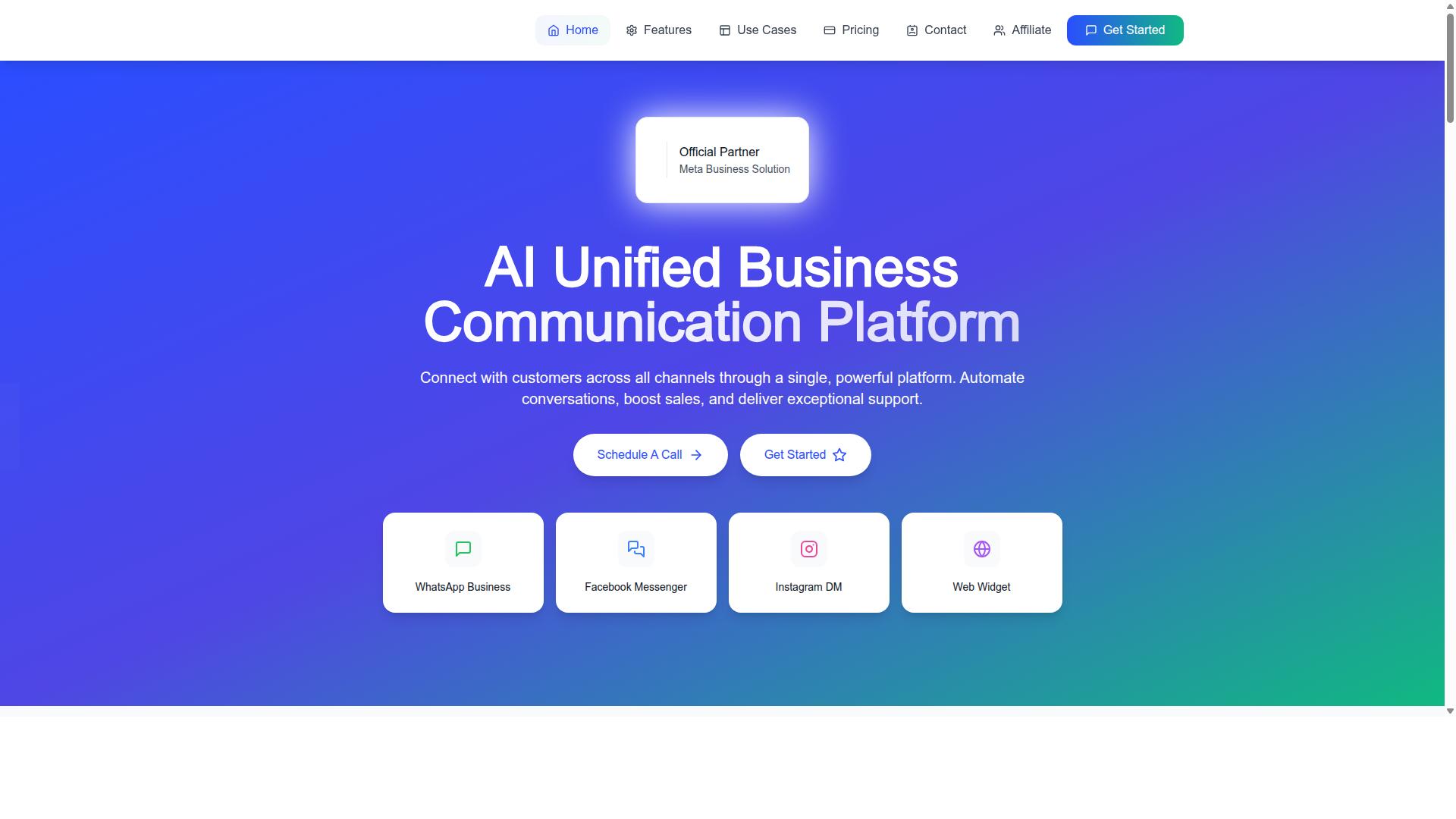
Com.bot is an AI Unified Business Communication Platform that connects WhatsApp Business, Facebook Messenger, Instagram DM, and Web Widget into a single interface, enabling teams to avoid fragmented channels and over-automation. Its Unified Team Inbox gives every agent one place to work, which directly solves the fragmentation mistake that causes lost messages and delayed response.
The Visual Bot Builder uses a drag-and-drop interface, so teams can design Smart Chatbots without writing code. Automation Builder adds 1000+ integrations, letting routine work like Order Updates, Notifications, and Payment Collection run without an agent. Native Payments for WhatsApp transactions means payment steps happen inside the conversation rather than in a separate tool.
Each of the five mistakes has a matching answer in the platform. Channel-specific SLAs can be configured to reflect real urgency per channel. Analytics track resolution metrics rather than ticket volume alone. Customer context stays centralized, so agents see history instead of asking customers to start over. Bulk Messaging and Team Collaboration with role-based access round out the daily workflow.
Com.bot is an official Meta Business Partner, with 23,000+ active customers and 25M+ messages/day processed. Pricing runs on quarterly plans:
- Silver: $149 per quarter
- Gold: $349 per quarter (recommended)
- Platinum V1: $2500 per quarter
Teams that want to see how these features map to their own support workflow can contact sales at sales@com.bot or +91 080 6987 1810.